Most ToolsCampus tools never see your files: they run inside your own browser, so your PDFs and pictures stay on your device. A few tools do need our server. This page explains exactly which ones, what happens to your files there, how long anything is kept, and how we protect the site and your account.
Most tools work on your device
When you use these tools, the file is opened and processed by your browser on your own computer or phone. It is not uploaded, so there is nothing on our side to store, read or delete.
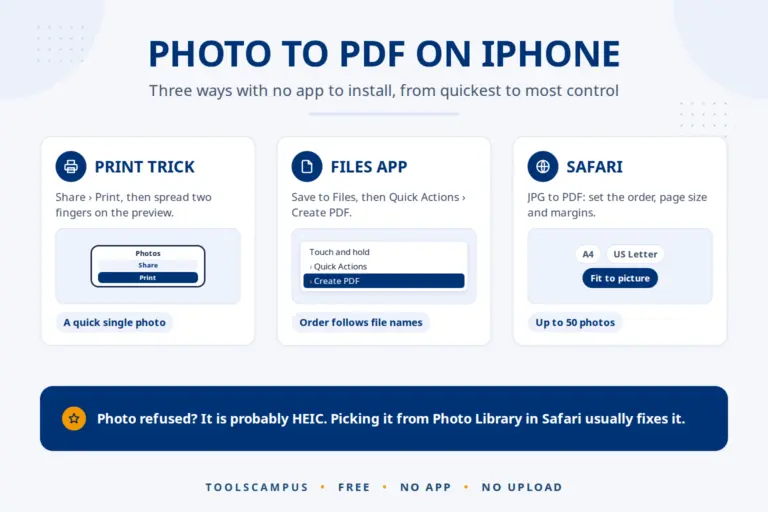
- PDF tools: Merge, Split, Compress, Organize and Rotate PDF, Add page numbers, Watermark PDF, Redact PDF, OCR PDF, Protect PDF, Unlock PDF, JPG to PDF, PNG to PDF, Scan to PDF, PDF to JPG and PDF to PNG.
- Word and Excel tools: Protect Word, Protect Excel and Unlock Excel. The password is added or removed by your browser, so neither the file nor the password is ever sent to us.
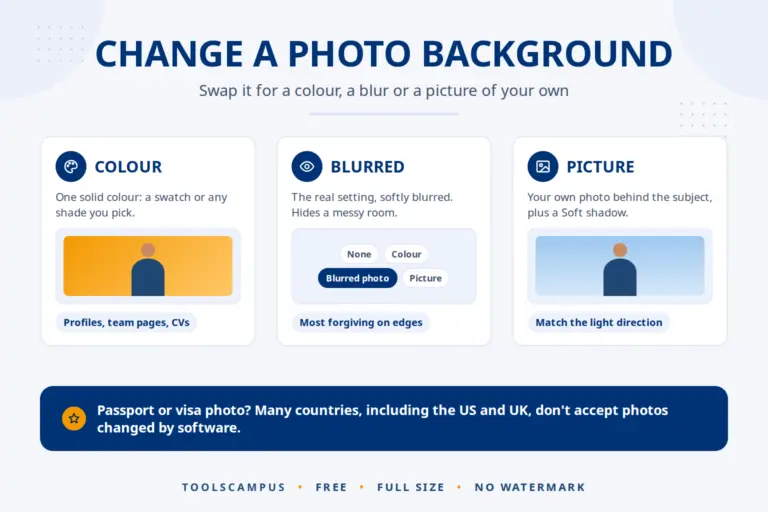
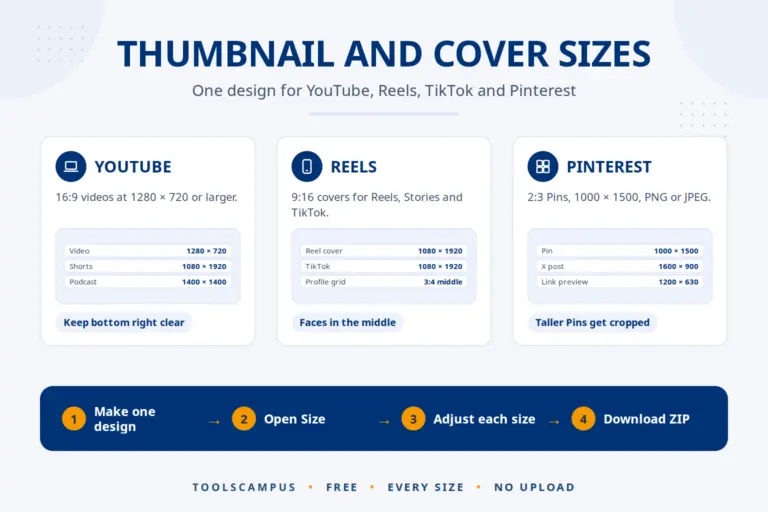
- Picture tools: Compress, Resize and Crop image, all the format converters (to and from JPG, HEIC, WebP, AVIF, SVG and PNG), Aspect ratio changer, Watermark image, Collage maker, Thumbnail maker and Remove background.
- QR code generator: the code is made in your browser. What you put in it, such as a Wi-Fi password or a contact card, is never sent to us.
- Ebook Reader: your book, highlights and notes stay in your browser.
Each of these tool pages says so under the upload box: “Your files are processed on your device and are never uploaded.”
Tools that use our server
Some jobs are too heavy for a browser, or need your work to be saved. On these pages the note under the upload box tells you that the file goes to our server.
| Tool | Why it uses the server | How long your file is kept |
|---|---|---|
| Edit PDF, without an account | Your project is saved so you can keep editing and download it | Deleted automatically after 24 hours |
| Edit PDF, with a free account | Your files are kept in My Files | Deleted automatically 60 days after you last edit them, or straight away when you delete them |
| PDF to Excel, PDF to Word, PDF to Text, PDF to Markdown | Reading tables and layout needs more power than a browser has | Converted in memory and deleted as soon as the conversion ends, at most 15 minutes later. Never stored or shared |
| Image to Text, Image to Word, Image to Excel, Image to Markdown, Handwriting to Text | Text recognition runs on our server | Deleted as soon as the text is read, at most 15 minutes later. Never stored or shared |
We never look at, sell or share the files you send us, and we do not use them to train anything. Files are processed by our own conversion software; they are not sent to other companies.
How files on our server are protected
- Encrypted on the way: the whole site only works over HTTPS, and browsers are told to always use the secure connection (HSTS). Files travel between your device and our server encrypted.
- Not on the public web: files are kept in a private folder outside the website, which the web server refuses to show to anyone. They can only be reached through the editor, after a permission check.
- Only you can open them: every file gets a random address that cannot be guessed (22 random characters). Without an account, access is tied to a secret key in a browser cookie that scripts cannot read; we only keep a fingerprint (hash) of that key, never the key itself. With an account, a file can only be opened by its owner.
- Checked on arrival: uploads are checked to be real PDFs or pictures, with size and page limits, and the number of uploads per visitor is limited to stop abuse.
- Deleted on time: a scheduled cleanup removes expired files and the PDFs made from them. Errors in the cleanup are logged so they can be fixed.
Your account
- Passwords are stored only as secure hashes, never as plain text.
- After 5 wrong passwords from the same address within 15 minutes, logging in from that address is blocked for 30 minutes.
- Login errors never say whether an email address has an account, so nobody can use the login form to find out who is registered.
- You do not need an account for any tool. If you have one, you can ask us to delete it, together with your files, at any time.
How we protect the website
- Security headers on every page: a content security policy, protection against the site being shown inside other sites (clickjacking), and no guessing of file types by the browser.
- Old and risky WordPress features are switched off: XML-RPC, application passwords, author archives and the public list of user names.
- The WordPress version is not shown, and the code editors in the admin area are disabled.
Cookies, analytics and ads
We only use analytics (Google Analytics) and personalised ads (Google AdSense) if you agree in the cookie banner, and you can change your choice at any time with the “Cookie settings” link at the bottom of every page. The tools work the same whether you agree or not. Your files are never part of analytics or ads. Read the Cookie Policy and the Privacy Policy for the details.
What we are, honestly
ToolsCampus is run by a small team, not a large company, and we do not hold certifications such as ISO 27001. That is the reason most of our tools are built to run on your device: the safest file is the one we never receive. For confidential documents, choose a tool that works in your browser, and download your result straight away.
Report a security problem
If you think you have found a security weakness on ToolsCampus, please tell us through the contact page before sharing it publicly. Describe what you found and how to see it. We read every report and fix confirmed problems as quickly as we can.