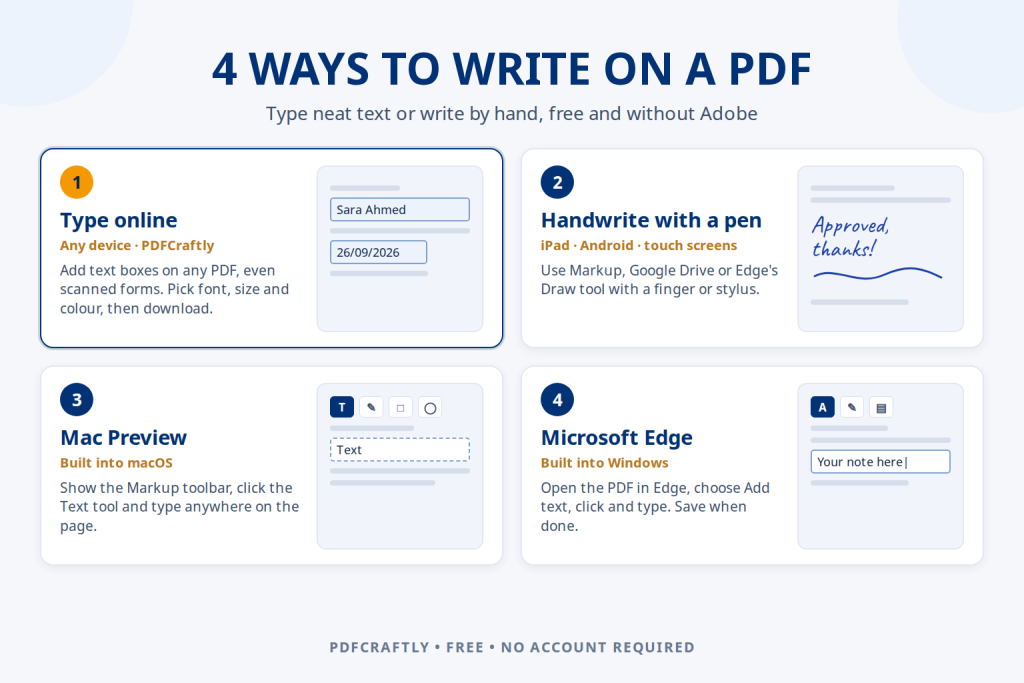
How to Write on a PDF: 4 Easy Ways to Add Your Own Text
How to write on a PDF for free: type text boxes online on any device, handwrite with a pen, or use Preview on Mac…
Read guide ToolsCampus
Guides for PDFs and pictures
Step-by-step help for editing, signing, merging and converting PDFs, and for compressing, resizing and cropping pictures, removing backgrounds and making collages.
How to write on a PDF for free: type text boxes online on any device, handwrite with a pen, or use Preview on Mac…
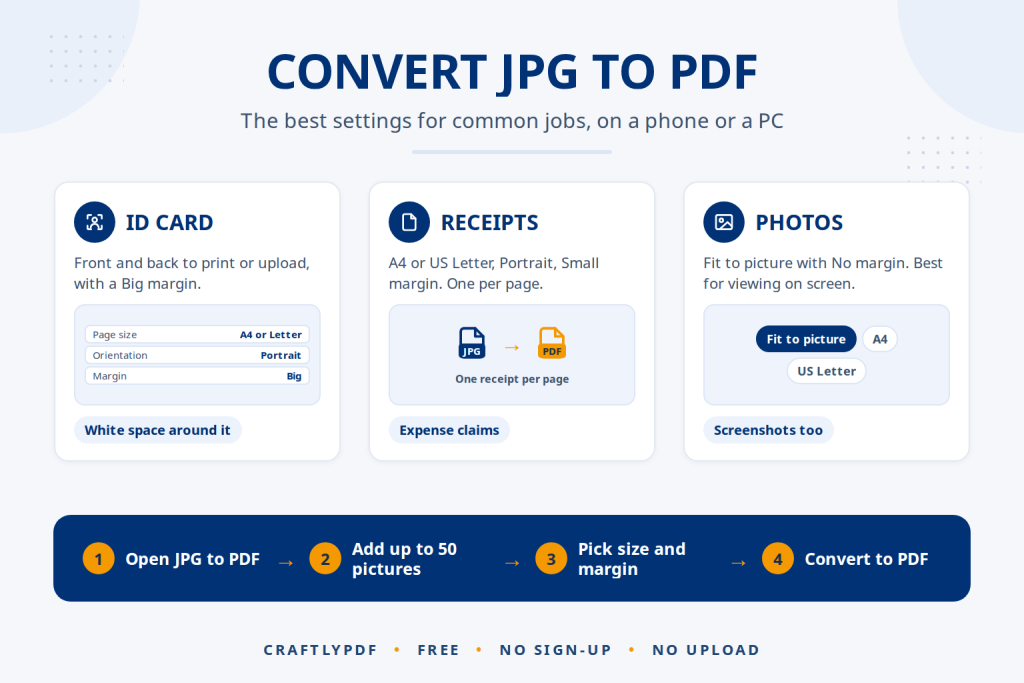
Read guideConvert JPG to PDF free on phone or PC. Simple steps, the best page size and margin for each job, plus iPhone HEIC tips.
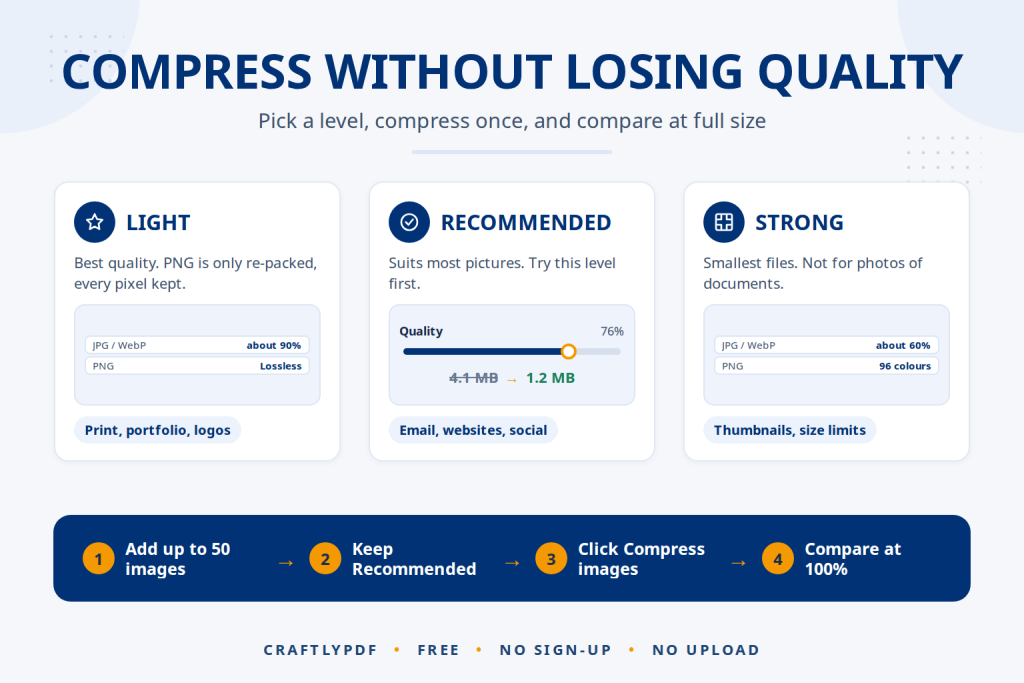
Read guideCompress an image without losing quality you can see. Pick the right level for JPG, PNG and WebP, and avoid mistakes that blur photos.
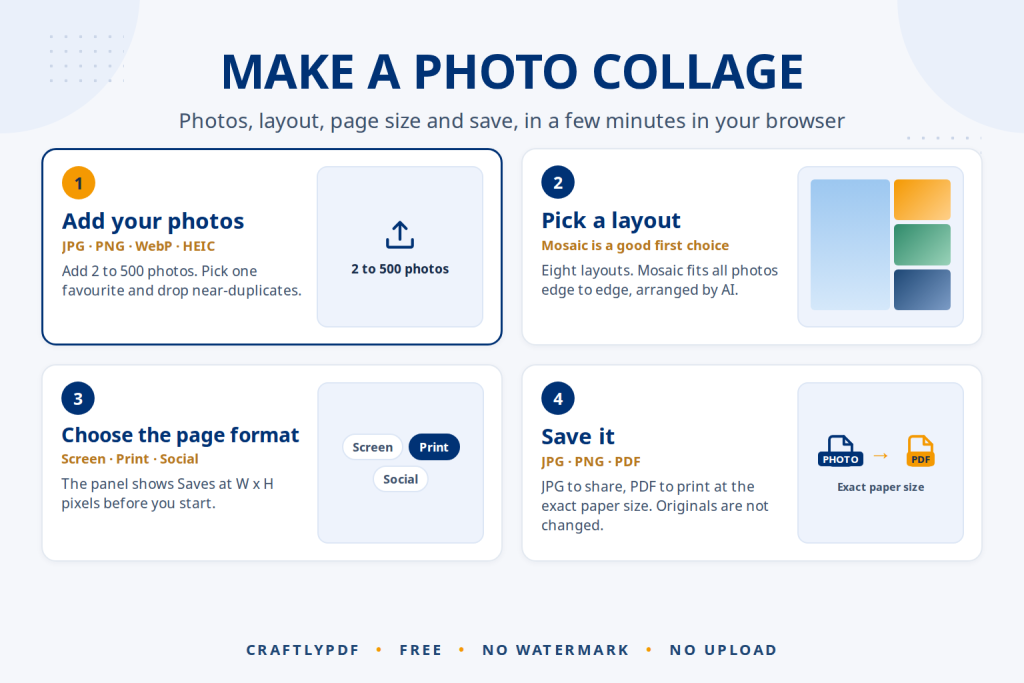
Read guideHow to make a photo collage for free: pick photos, layout and size, adjust the style, then save it as JPG, PNG or PDF.
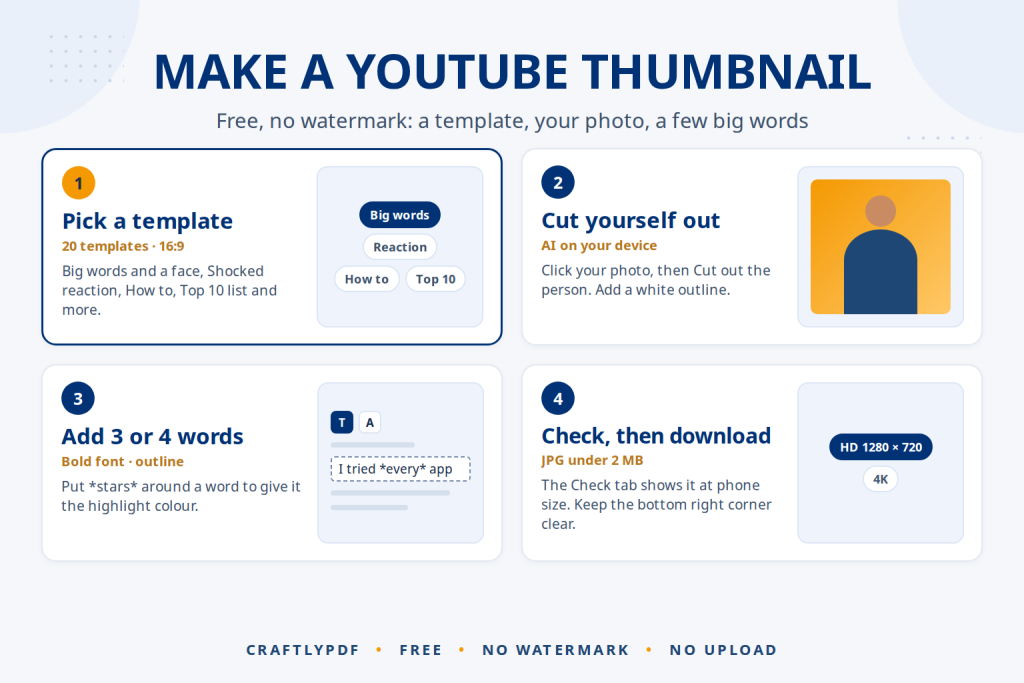
Read guideMake a YouTube thumbnail free in your browser: pick a template, cut yourself out with AI, add words and download a JPG under 2…
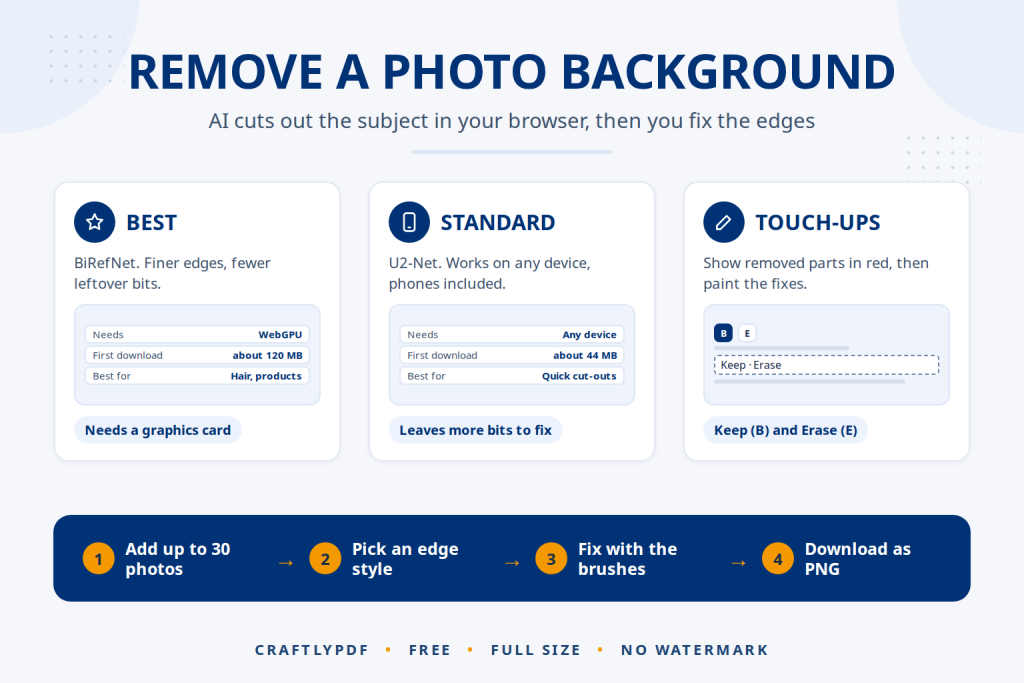
Read guideRemove the background from an image with AI in your browser: full size, no watermark, no upload. Pick the right edges and fix mistakes.
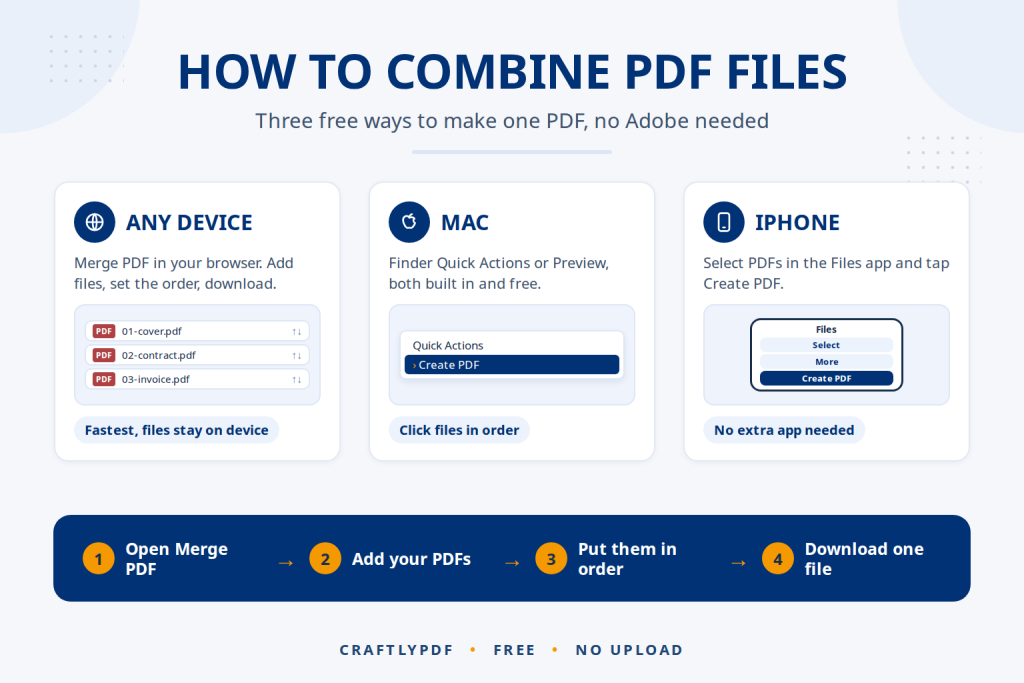
Read guideCombine PDF files into one in under a minute: free, no Adobe, no upload. Steps for Windows, Mac, iPhone and Android, plus fixes for…
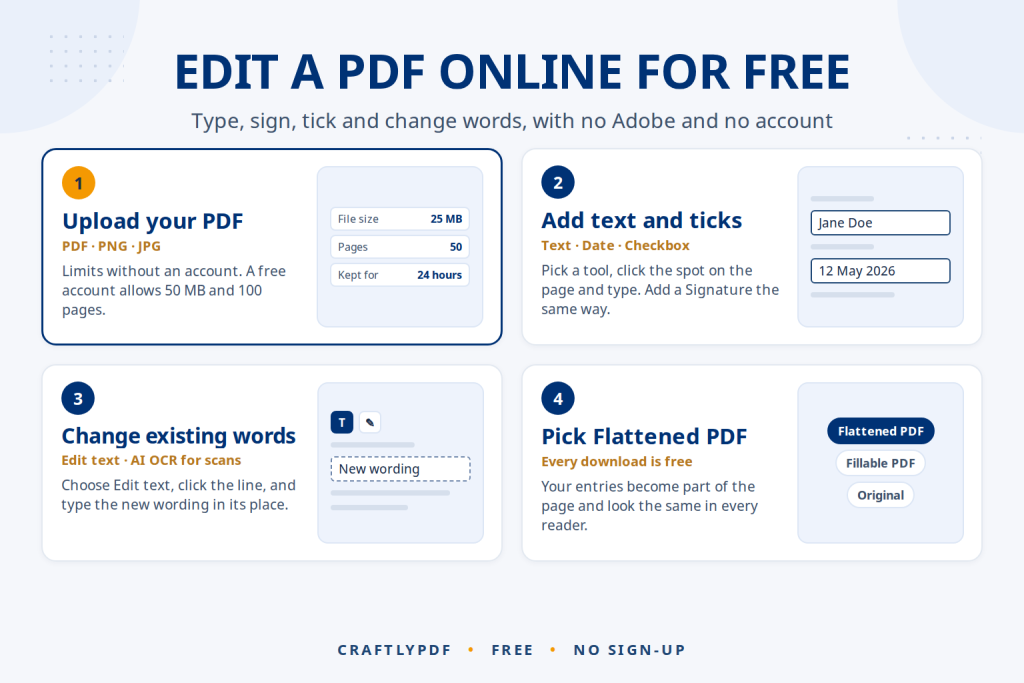
Read guideEdit a PDF online free without Adobe: add text, sign, tick boxes, change existing words and download a clean PDF that opens everywhere.
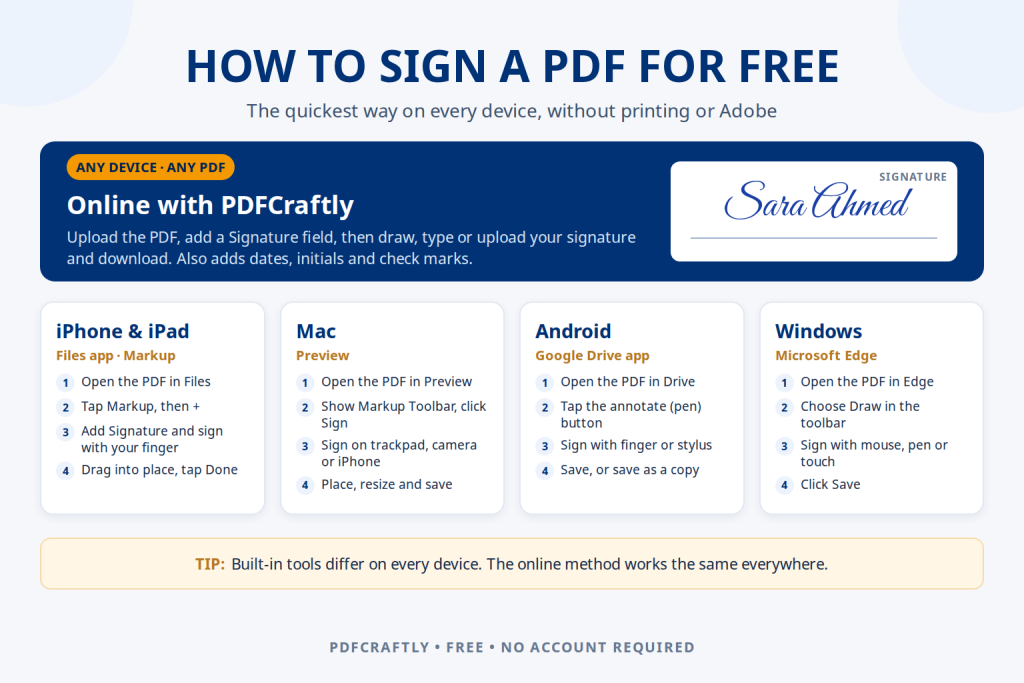
Read guideHow to sign a PDF for free on any device: online with ToolsCampus, or with Markup on iPhone, Preview on Mac, Google Drive on…
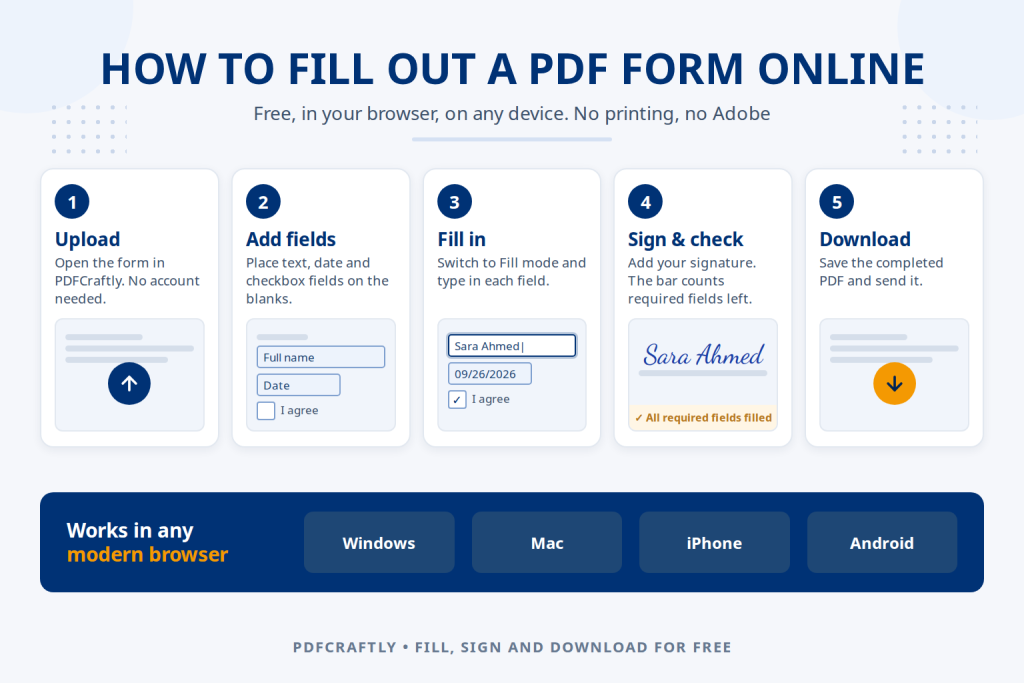
Read guideFill out a PDF form online for free: upload it, type in each field, tick boxes, sign and download. Works on Windows, Mac, iPhone…
Read guide