ToolsCampus is a free website with online PDF and image tools. You can edit and sign a PDF, merge, split or convert files, resize and compress pictures, remove a photo’s background, make a collage or a YouTube thumbnail, all in your browser, without installing anything. Every tool is free and works without an account.
Why we built it
Most people only need to work with a PDF or a picture now and then: a form to fill in, a scan to send, a photo that is too big to upload. The usual options are expensive software or online tools that hide basic features behind a paywall. ToolsCampus keeps these everyday jobs simple and free.
What you can do with it
PDF tools
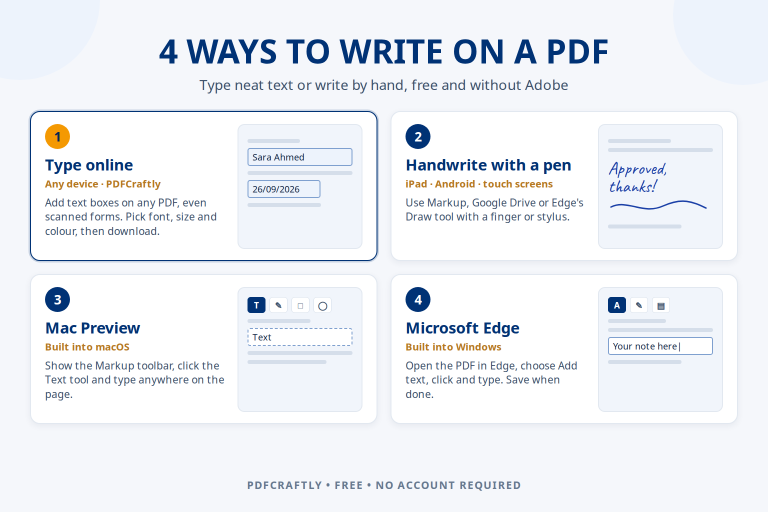
- PDF editor (on the homepage): add text, dates, checkboxes, signatures and pictures, fill in forms, and edit the PDF’s own text. Download a flattened PDF, a fillable PDF or the original.
- Merge PDF, Split PDF, Organize PDF and Rotate PDF to combine files, take pages out and put pages in order.
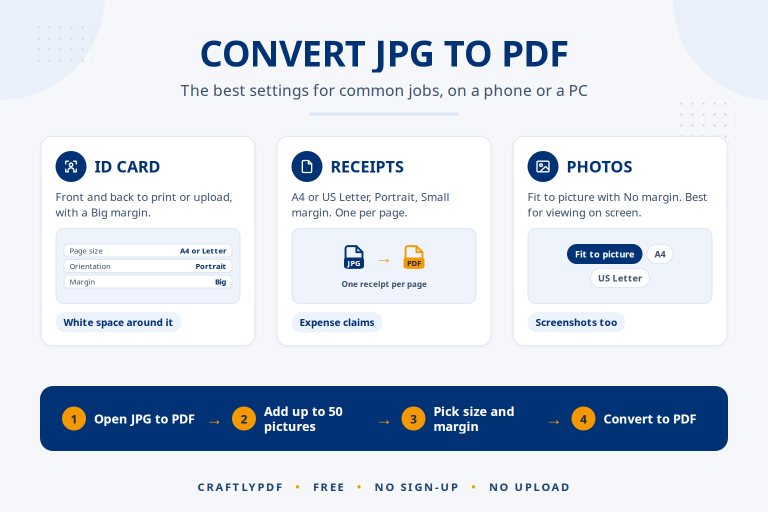
- JPG to PDF and PDF to JPG to turn pictures into a PDF and PDF pages into pictures.
- Add page numbers and Watermark PDF to number pages or stamp text such as “CONFIDENTIAL” on them.
- OCR PDF to make a scanned PDF searchable.
Image tools
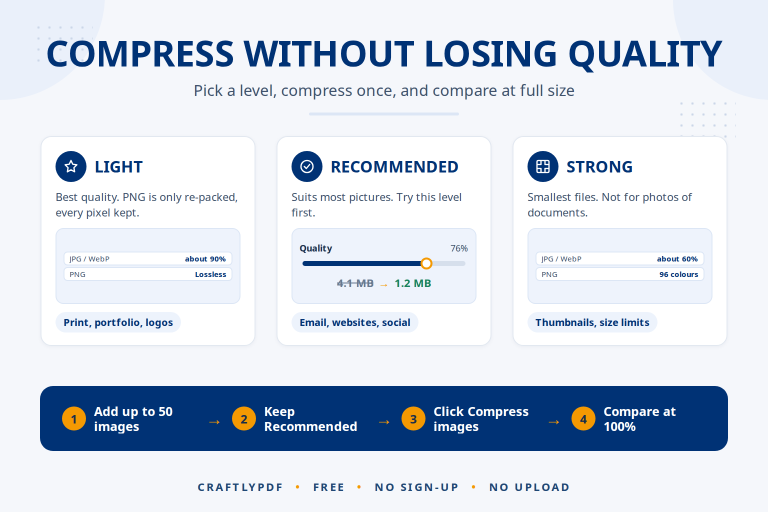
- Compress image and Resize image to make pictures smaller.
- Convert to JPG (for example from iPhone HEIC, PNG or WebP) and Convert from JPG (to PNG, WebP or GIF).
- Crop image, with shapes and exact sizes for common social media posts.
- Watermark image, with your own text or logo.
- Collage maker, which can arrange your photos automatically (AI arrangement).
- Remove background, which uses AI to find the subject of a photo.
- Thumbnail maker, which can cut a person out of a photo with the same AI (AI cut-out).
Where we use AI
A few tools use AI, and all of it runs inside your own browser:
- Remove background runs an AI model on your device to separate the subject from the background. The model is downloaded from our website once and kept by your browser, so later visits start at once.
- Collage maker tries many arrangements of your photos and keeps the one that fits them together best.
- Thumbnail maker uses the Remove background AI, on your device, to cut a person out of a photo for a thumbnail or cover.
- Edit text in the PDF editor and OCR PDF read scanned pages with text recognition (OCR).
No outside AI service receives your files, and your photos are not used to train anything. AI can make mistakes, so please check the result before you use it.
How we look after your files
Where your file goes depends on the tool:
- The PDF editor uploads your PDF to our server, so your work can be saved and opened again. Without an account you can upload files up to 25 MB and 50 pages, and they are deleted after 24 hours. With a free account the limit is 50 MB and 100 pages, and files are kept in My Files until 60 days after your last edit. You can delete a file yourself at any time.
- All the other PDF tools and all the image tools work inside your browser. Your files are not uploaded to our server.
Your files are used only to give you the service. We never sell your files or your personal information. The details are in our Privacy Policy.
Free, and paid for by ads
There is no paid plan. Every tool and every download option is free for everyone. A free account only gives you bigger limits and a place to keep your files. To pay for running the site, we may show Google ads on pages such as the homepage, tool pages and guides, but never inside the editor or My Files, and never next to a download button.
Who runs ToolsCampus
ToolsCampus is built and run by Omer Qureshi from Pakistan. Omer Qureshi also writes the guides on this site and tests the steps on the live tools before a guide is published. You can read how in our editorial policy.
Get in touch
Questions, ideas or a problem with a tool? Email umerqureshi85@gmail.com or visit our Contact page. We read every message.